How to accept crypto payments as a creator
You don't need a payment processor. Put one link in your bio and let your audience send crypto straight to your wallet.
· 2 min read
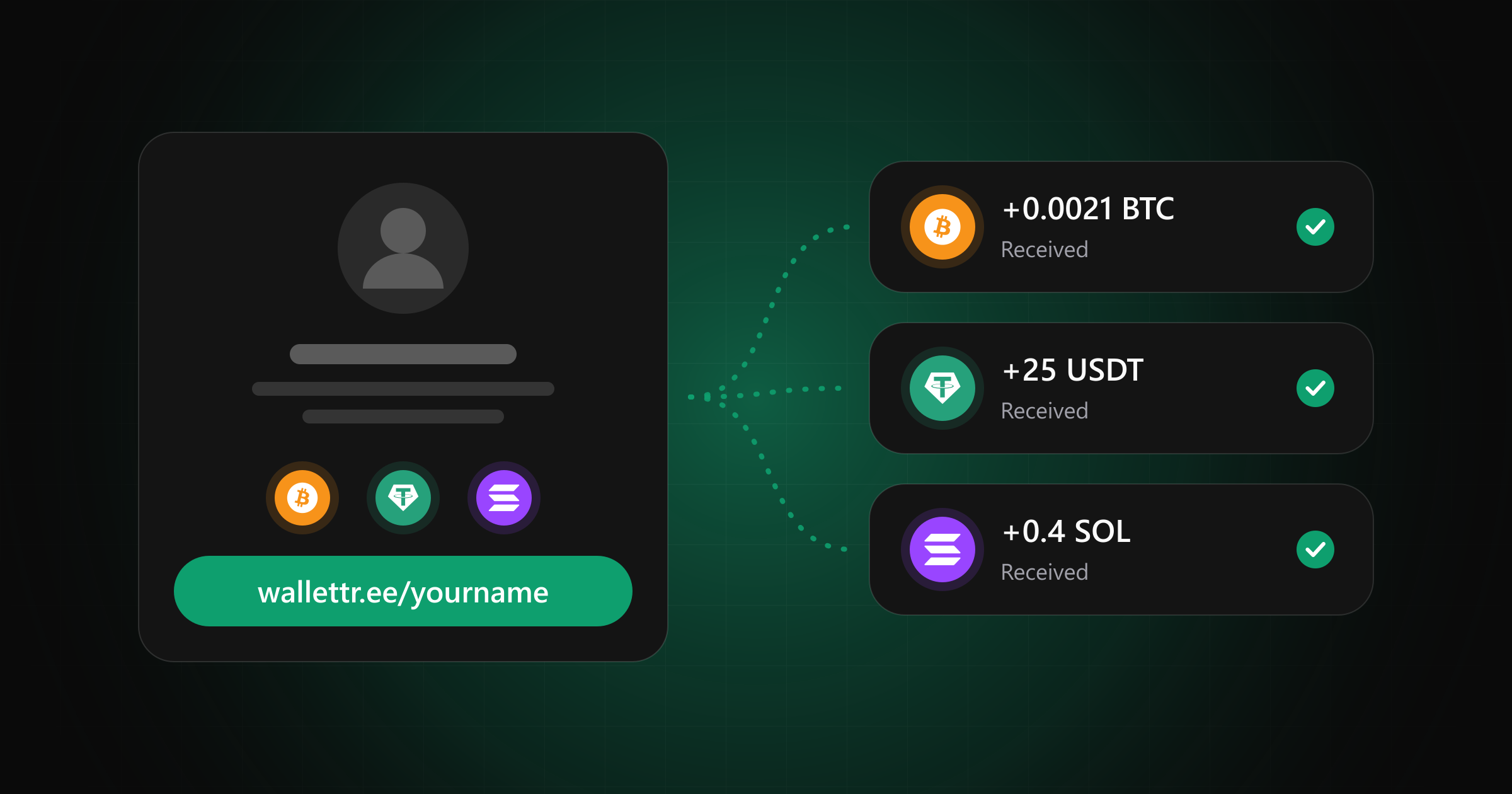
Someone likes your stream, your open-source project or your newsletter, and they want to send you crypto. So they ask for your address in a comment, you paste a long string back, and they have to work out which network it's for. Plenty of people give up somewhere along the way.
You don't need a payment processor, a merchant account or any code to fix this. You need a wallet and one link that people can always find.
Start with a wallet you control
With a self-custody wallet, you alone hold the seed phrase. Write it down offline and keep it there. An exchange deposit address also works, as long as you've checked which networks the exchange supports for each token, because a deposit on an unsupported network can get stuck.
Keep this wallet separate from your savings. Addresses are public, and your audience doesn't need to see everything else you own.
Offer a few networks, not all of them
Think about what your audience already holds. Bitcoin and Ethereum cover a lot of people. Stablecoins are popular too: USDC on Base, Polygon, Arbitrum and Solana, and USDT on Tron. Fees change, so compare them before you choose. If your community lives on Solana or TON, start there.
Three or four options are plenty. Every extra network is one more chance of someone picking the wrong one, and you can always add more when people ask.
Give people one link
Pasting addresses into your bio, stream description and README gets messy fast, and you have to update all of them whenever you change wallets. A WalletTree page keeps them in one place at wallettr.ee/yourname. Each address sits next to its network and accepted tokens, with a copy button and a QR code, so nobody has to ask you which one to use.
Your supporters pay from their own wallet, directly to yours. There's no account to create on their side and nothing passes through us.
Make sure people can find it
A link only works if people know it's there. Put it in your bio first, then in the places where people are already thinking about supporting you: a pinned post, the end of a video description, your project's README. On stream, a QR code on screen lets viewers scan with the phone their wallet is already on.
Keep reading
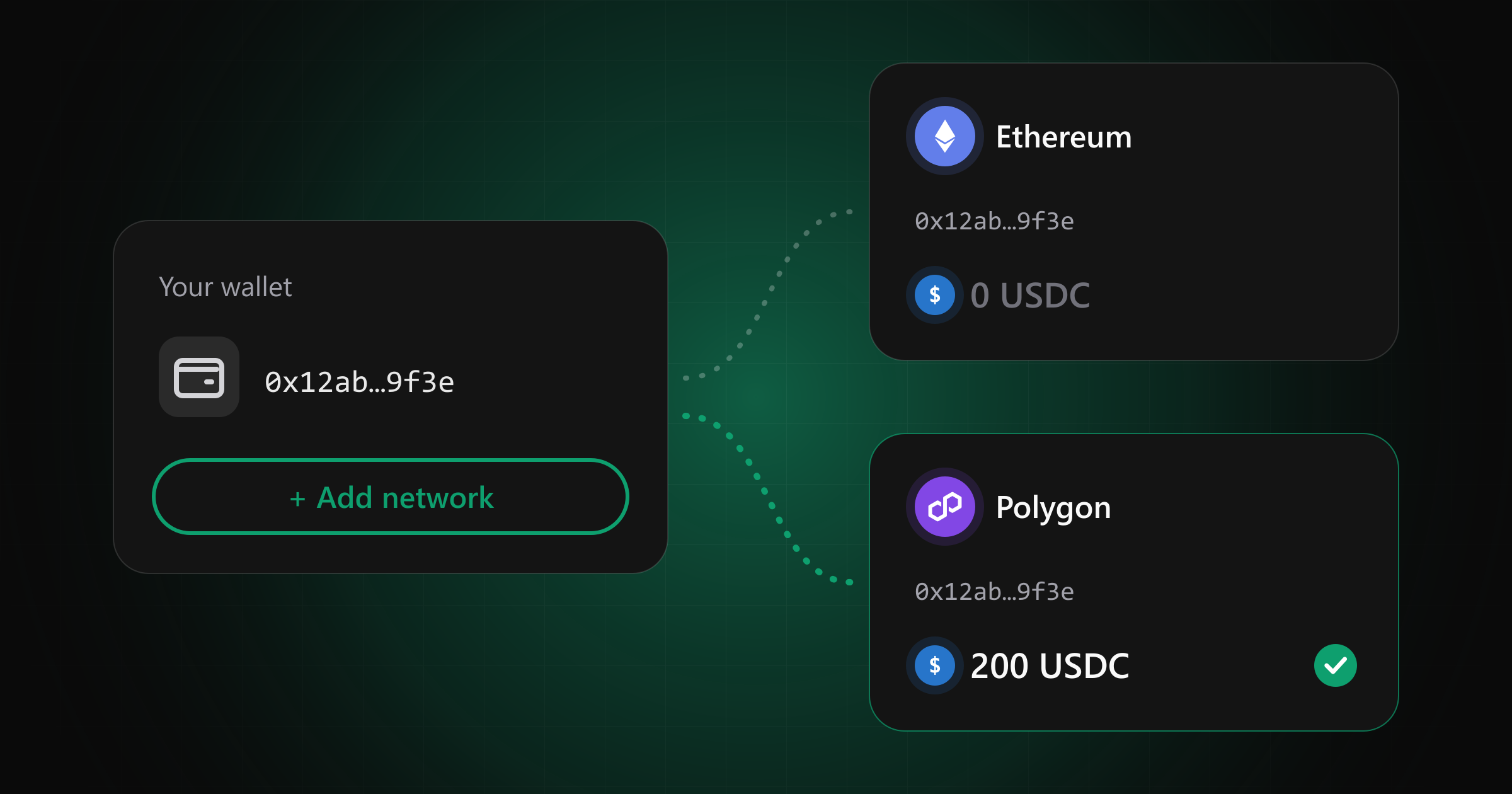
What happens if you send crypto on the wrong network?
The transaction succeeds, the balance doesn't change, and the sender panics. What actually happened to the money, and who can get it back.
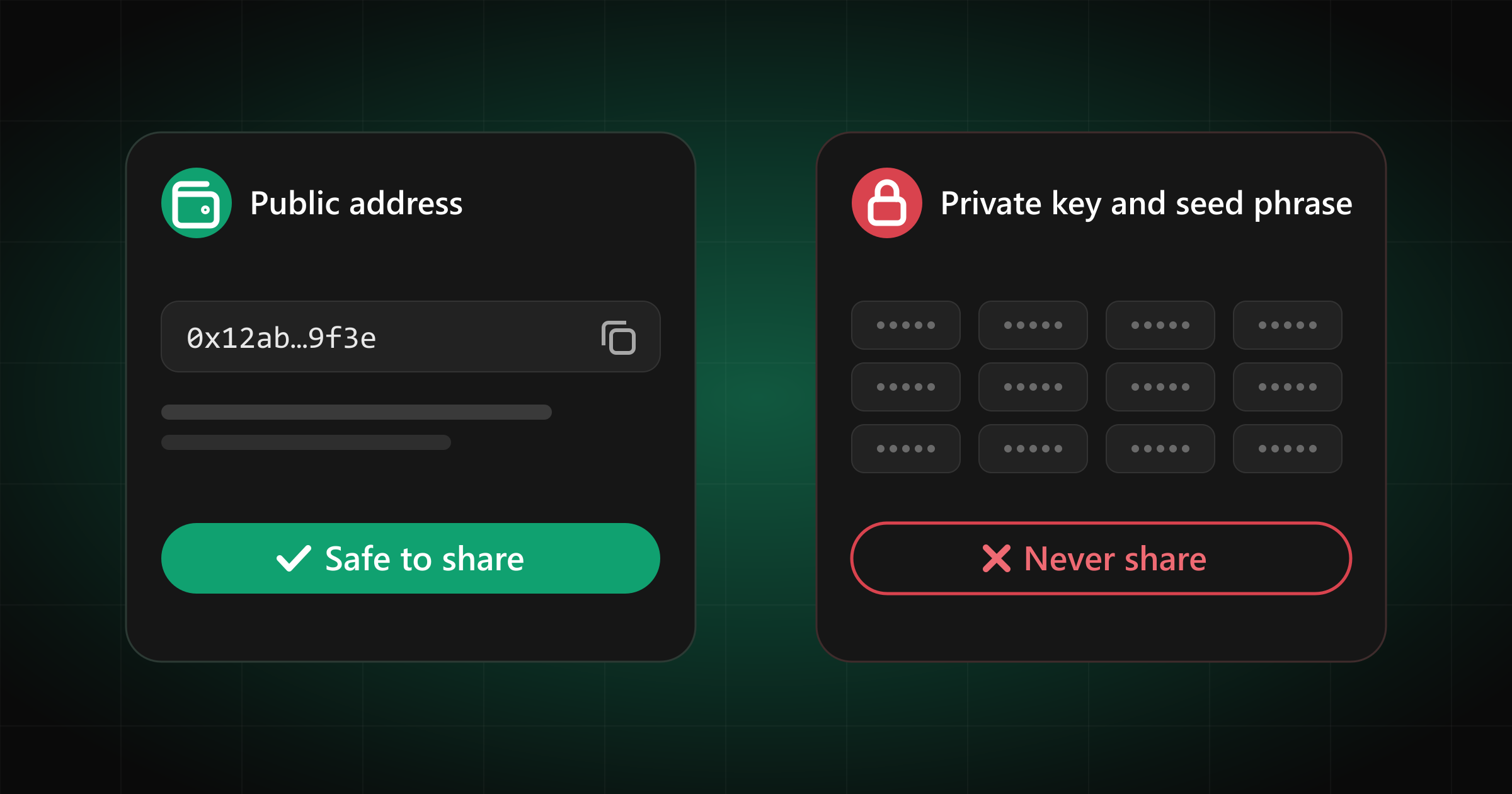
Is it safe to share your crypto wallet address?
Nobody can drain your wallet with your public address. They can read your whole transaction history, though, and that deserves more thought.