How to add your crypto wallets to your link in bio
Where the link goes on X, Instagram, GitHub, Twitch and the rest, and why a raw address in your bio causes more trouble than it saves.
· 2 min read
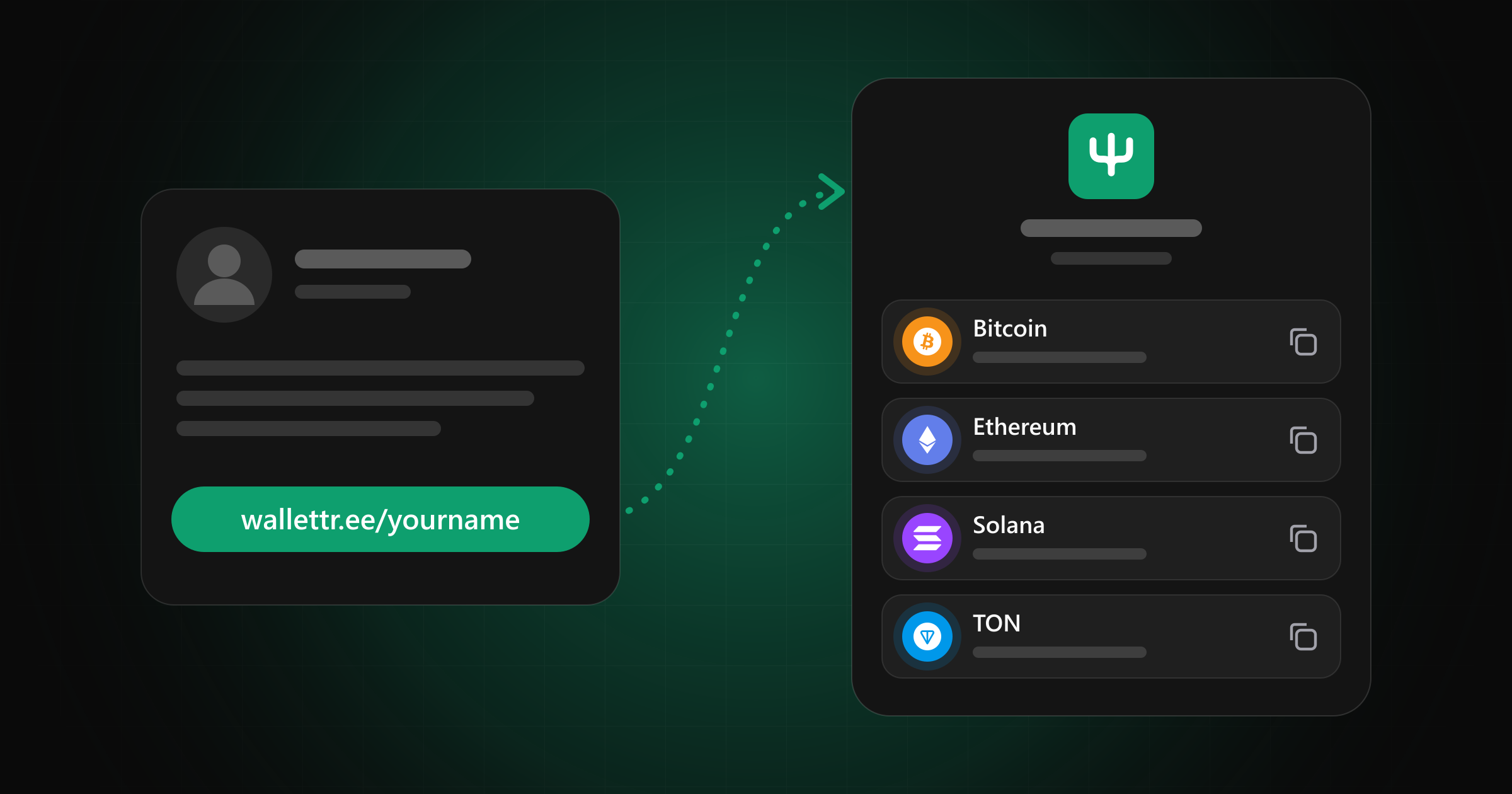
A single Bitcoin address can take up more than a third of an X bio, and a couple more networks leave no room for anything else. Even when they fit, nobody can tell which network it's for, and copying part of a string from a phone is an easy way to lose a payment. So put one link in your bio and keep the addresses on the page behind it.
Where the link goes
| Platform | Best place |
|---|---|
| X | Website field on your profile |
| Links section of your profile | |
| TikTok | Website field, if your account has one |
| GitHub | Profile README, or the README of the project people want to support |
| Twitch, YouTube | Channel about section and video descriptions |
| Telegram, Discord | A pinned message in your own channel or server |
| Signature |
On X, the website field keeps the link clickable and leaves your bio text alone.
On stream, a QR code usually works better than a link. Viewers already have the phone their wallet is on, so a code on screen saves them from typing anything.
Setting up the page
With WalletTree, your page lives at wallettr.ee/yourname. Paste an address, choose its network and tick the tokens you accept. Each one gets a copy button and a QR code, and we check the address format, plus the checksum on networks that have one, as you save.
Networks available right now: Arbitrum, Avalanche, Base, Bitcoin, BNB Chain, Dogecoin, Ethereum, Litecoin, Optimism, Polygon, Solana, TON and Tron.
You can also add normal links and social icons, so this can be your only link in bio if you want it to be. If you rename yourself later, the old link redirects for 30 days, which gives you time to update the places you posted it.
Nobody connects a wallet on either side. The sender opens their own wallet, pays your address, and we never see the money.